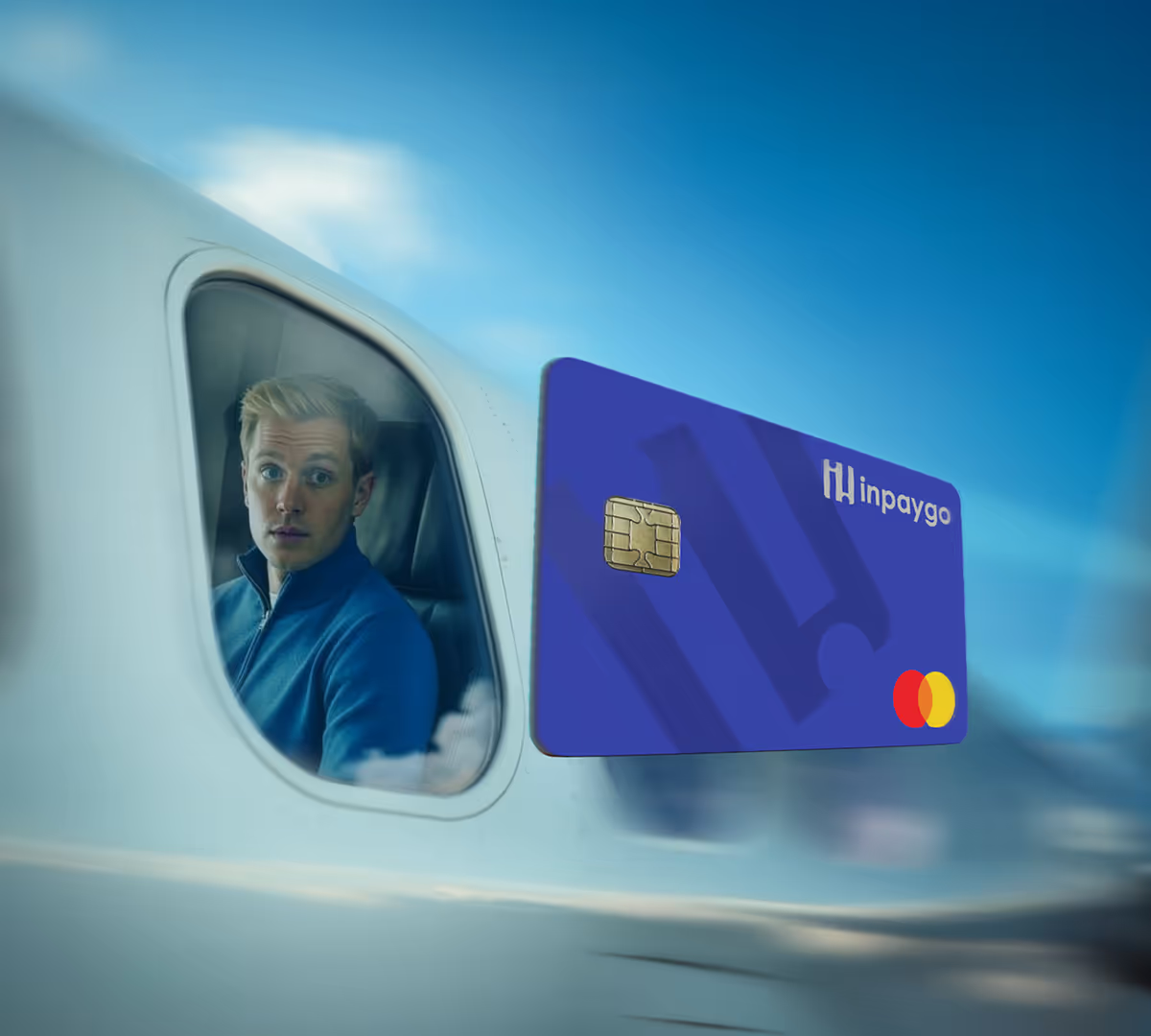

Your money is important. Send us a chat and we’re always with you within 5 minutes from Monday to Friday between 8:00am and 5:30pm. Personally.
Outside office hours, our AI assistant Bankzy is here to help. And don’t worry, anything she doesn’t solve will be handed over to a human colleague as soon as we’re back online.


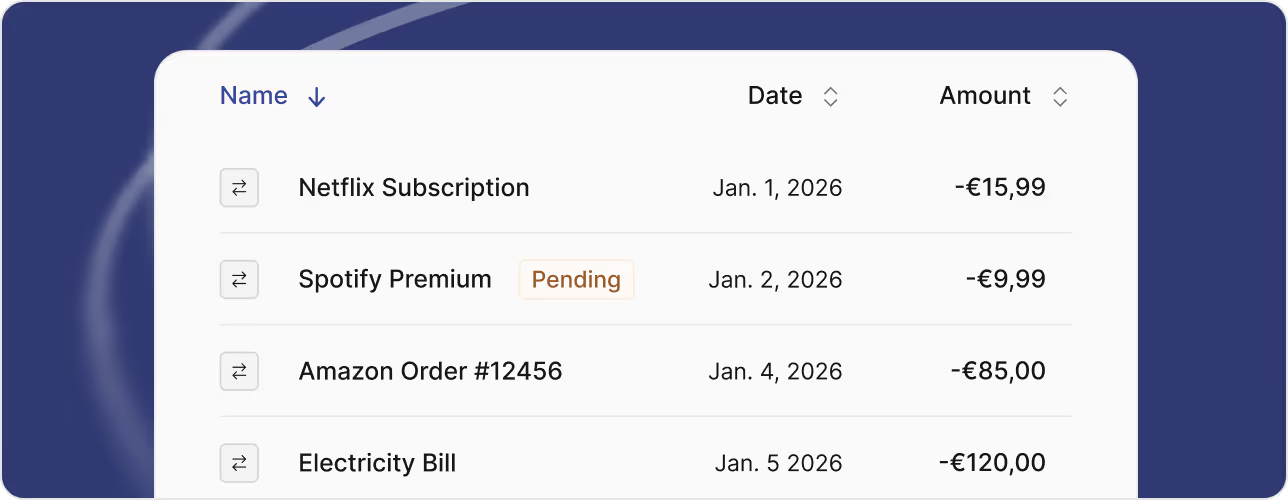
Opening an Inpaygo account only takes 5 minutes. Click one of the buttons on our website. Fill out your information, complete the KYC check and your account is opened. You will receive your IBAN and virtual card after the verification is completed (1 day).
After completing the registration process and KYC, you receive your IBAN and virtual payment card within 1 day. These can be used right away. Attention: until the registration is granted a definitive approval, a transfer limit of €1.000 per day is maintained. Approval takes max. one working week. After this, you can use the account completely.
Businesses operating in certain industries cannot open an Inpaygo account. For example, companies engaged in activities related to questionable substances, financial risk activities, or operations with a high environmental impact. This is decided by policies formulated by Swan, Inpaygo’s distributor. Based on their regulations and risks on reputational damage, Swan decides whether or not a business is eligible for an account. Discover the complete regulations and the full list of expelled industries here.
Not at all. Inpaygo doesn’t replace your bank. It adds speed, control, and smarter payments on top of it. And when you connect it to Invoiser, your invoicing and payments finally work together in one smooth system.
If you're a certified PBO in your country, then yes. Currently, account openings are supported for The Netherlands only. That means your nonprofit has to be an ANBI-foundation.
In addition, Informer users (The Netherlands only) will have a €10 monthly discount on Inpaygo if they use their account actively, meaning at least 3 transactions per month and naming the IBAN on sales invoices.
Inpaygo currently supports registrations in The Netherlands.
You will be asked to complete the KYC when registering. KYC stands for Know Your Customer. It’s a quick identity verification required by EU law to keep banking and payments secure. During signup, we confirm your company details and ID to ensure everything is legitimate.
Processing times can vary based on regulatory checks and company documentation requirements. This is usually the case in multiple-UBO organisations.Make sure you deliver all required documentation in time to make the process as smooth as possible.
Yes. You will receive a Dutch IBAN. Like you’re used to.
No. You cannot open an Inpaygo account without a Chamber of Commerce number.
Businesses operating in certain industries cannot open an Inpaygo account. For example, companies engaged in activities related to questionable substances, financial risk activities, or operations with a high environmental impact. This is decided by policies formulated by Swan, Inpaygo’s distributor. Based on their regulations and risks on reputational damage, Swan decides whether or not a business is eligible for an account. Discover the complete regulations and the full list of expelled industries here.
iDEAL payments are not possible. But luckily, Inpaygo allows you to pay as easily. Add your Inpaygo card to the payment methods or wallet on your devices and pay in a minute.
Yes. Inpaygo provides physical Mastercards. Shipping is included in your account. Physical Mastercards can be used to make contactless payments.Consult our pricing page for details on extra card and transaction fees.
Yes. Inpaygo can be added to your Apple wallet or Google wallet within 1 day after registration. To properly activate Apple Pay or Google Pay on your smart watch, please contact our customer support team.
Adding Inpaygo to your Apple wallet
Adding Inpaygo to your Google wallet
It is not possible to automatically collect invoices with your Inpaygo account. Money can be collected from your Inpaygo account, the other way around.
No. You cannot deposit cash money on your Inpaygo account. You can only add balance by online transfers.
It is possible to withdraw cash with your Inpaygo card. Please note the extra fees charged for withdrawals.
No. Inpaygo can only be used for business accounts.
No. Inpaygo supports payments in euros (€) only. All transfers are processed in EUR within the SEPA network.
Yes. You can transfer money to any account worldwide. Transfers to accounts within a SEPA country are processed instantly.
Note: Inpaygo only supports EUR transfers currently.
Yes. Expenses can be categorized per card and team member.
To check your bank statements on your phone, visit banking.inpaygo.eu. Add a bookmark to your home screen to access your account quicker. An Inpaygo banking app will be launched soon.
Adding banking.informer.eu to your home screen.
No. Your account cannot be overdrawn.
Inpaygo distributes services provided by Swan, an electronic money institution authorized by the ACPR. Client funds are held in a
segregated safeguarding account at BNP Paribas and protected up to €100,000 by the FGDR in case of BNP Paribas failure. Inpaygo operates under applicable EU regulations. Learn more about safety and guarantees in Swan's documentation.
No interest is paid on stored funds. Inpaygo distributes services provided by Swan, an authorized electronic money institution regulated by the ACPR. Swan does not offer savings or investment products. All client funds are kept in segregated safeguarding accounts and are not invested.
Yes. Your money is always protected and guaranteed up to €100.000 by the FGDR (deposit guarantee scheme). Client funds are kept in segregated safeguarding accounts at BNP Paribas. No investments will ever be done with it.
Learn more about fund protection in Swan’s help center.
Swan is a Banking-as-a-Service provider with an Electronic Money Institute license regulated by the ACPR in France. They provide the banking infrastructure behind Inpaygo. This includes account creation, payment processing and fund safeguarding. The smart features to help you speed up your business finances are built and maintained by Inpaygo.
Everything about Swan
The key difference is that Inpaygo operates fully online. We don’t have physical branches or offices. Everything from opening your account to managing payments happens digitally. This keeps things faster, simpler, and more affordable for you. Without the paperwork or waiting times of traditional banks.Inpaygo operates under the Electronic Money Institute License held by Swan.
Your money is secure. In the highly unlikely event that Inpaygo, Informer Group (Inpaygo’s parent company) and Swan go bankrupt, your money would still be completely guaranteed and protected by the safeguarding bank. Even if the safeguarding bank, which is BNP Paribas, ever defaults, your funds are guaranteed up to €100.000 by the FGDR.
Everything about protecting your funds on Swan’s help center.
No. Client funds, including yours, are kept on segregated safeguarding accounts. That means it is impossible for investments to be done with it.
No. Your account is private and fully secured. Inpaygo employees can never access your money or account.
Yes. Each card can be given its own spending limit for a certain period through the card settings in your account. Online payments, withdrawals and international transactions can also be enabled or disabled per card.
Set spending limits on your Inpaygo cards here.
Inpaygo accounts can be cancelled by filling out this form in Swan's portal. To smoothen the process, make sure to fill out all information. Take your time.
Just €10 per month. In addition, extra fees for transactions and withdrawals are charged. There’s a once-off setup fee of €20, after which you can onboard as many accounts as the software allows. You can cancel anytime. All details on pricing.
No. Inpaygo provides full transparency with regards to fixed, variable and one-off fees. For a full overview of Inpaygo fees, please consult our pricing page.
The fixed monthly fee is automatically collected by Inpaygo every month. In the case of combined usage of Inpaygo and Informer, Informer will bill the charges of Inpaygo on their behalf, so you will only receive one invoice per month. Swan, who provides Inpaygo with the banking infrastructure, automatically collects variable fees from your account per transaction or withdrawal.
If your Inpaygo account has been dormant for 6 months and the user has not contacted Swan or Inpaygo in that time, it will be marked as ‘Inactive’. After that, inactivity fees may be levied by Swan in accordance with the tariff conditions.
Find more about account inactivity in Swan’s terms and conditions.
Inpaygo does not offer refunds on account fees. Your account can be terminated monthly.
Fill out this Swan form to terminate your account.
For the monthly fixed fee, standard VAT tariffs apply, subject to your country of establishment.In case a VAT ID is filled out during the registration process, you won’t be charged any VAT on variable fees. If the VAT ID is missing (or incorrect), you will be charged an extra 19% of French standard VAT on variable fees by our partner Swan.
All fixed, variable, and one-off fees, including when they apply, are listed on Inpaygo’s pricing page.
Yes. Both Inpaygo and Informer can be used as stand-alone and will work perfectly fine. However, integrating the two will get you paid faster and gives you a better realtime overview of your financial situation.
No surprises. Just clarity. Informer starts at €15 a month. Inpaygo starts at €10 a month. You get a €10 discount every month if you actively use the account. (Min. 3 transactions monthly and mention on sales invoices). If the account is not used actively for 1 month, you will be charged the regular monthly fee.
Note that Inpaygo also charges monthly variable costs.
Combining Inpaygo with Invoiser gives you a fully realtime view of your business finances. From invoicing to payments to accounting. One system, perfectly synced, for total control and less manual work.
When opening an Inpaygo account, select whether or not you're already an Invoiser user. If yes, your account will automatically be linked. If not, proceed creating the account and ask our customer support to connect the account after you have also created an Invoiser account.
The monthly €10 discount on Inpaygo applies for Informer users who actively use their Inpaygo account. Active use in this case means making at least 3 transactions per month and using your Inpaygo IBAN as the main account on your sales invoices.
After one full month of inactivity, you will be charged the regular monthly fee for Inpaygo.
If you cancel your Informer account, you can continue using Inpaygo on banking.inpaygo.eu. If you cancel your Inpaygo account and wish to continue with Informer, you can cancel your Inpaygo account by filling out this form. Informer can still be used in that case through app.informer.eu.
Yes. Inpaygo can be integrated with other accounting or invoicing software by setting up a connection via Ponto. Create a paid Ponto account and look for the Swan integration to set up the connection between Inpaygo and your other software.
Any nonprofit organization with a locally certified PBO-status qualifies for a free Inpaygo account. A proof of certification should be provided in the application form. Examples of approved PBO-statuses:
- ANBI in The Netherlands
- Stichting van Openbaar Nut in Belgium
- Gemeinnützige Verein/Stiftung in Germany
Unfortunately not. We are unable to cover for separate transaction fees and withdrawal fees, nor the KYC. This means there are always some costs involved. The positive news: you really save €10 a month on the fixed fee, guaranteed.
To approve your application, we need proof of your PBO-status. We recommend waiting to apply until your nonprofit is officially certified.
When submitting your application during weekdays, approving it usually takes a maximum of 24 hours. Please make sure everything is filled out properly.
This is not some temporary promotion. As long as you are a PBO-certified nonprofit (and happy with our product), you will not be charged the fixed monthly fee for Inpaygo. No matter how big each of us becomes. Promise.
If your PBO-status expires, your account won’t. You can continue to use Inpaygo for the standard monthly fee of €10.
When any issues or questions arise, you will be able to speak to our support team within 5 minutes. For some issues, the Swan customer support will be necessary, to which you will be forwarded in that case.
You can reach Inpaygo customer support via direct chat, not by phone. This way, we can help you faster and more efficiently. A real human from our support team is always with you within 5 minutes, Monday to Friday, between 8:00 and 17:30.
Inpaygo’s advanced AI chatbot Penny will respond to your questions immediately, solving most questions right away. If necessary, human support is always with you within 5 minutes from Monday to Friday, between 8:00 and 17:30.
You can easily block Inpaygo cards by logging into your account. Of course, the Inpaygo customer support team is available to chat with you within 5 minutes from Monday to Friday between 8:00 and 17:30.
Log into your account to manage cards.
Inpaygo’s customer support desk can be consulted for every question or issue. If necessary, we will forward you to Swan’s customer support.